50% of consumers now use AI-powered search, but only 16% of brands track how they perform there (McKinsey, 2025). Most brands don't know what ChatGPT says about them. They rank well on Google, they run SEO audits, they track share of voice on social. But when a buyer asks Gemini or Perplexity for a recommendation in their category, they have no idea whether they show up, how they're described, or which competitors are quietly winning the answer.
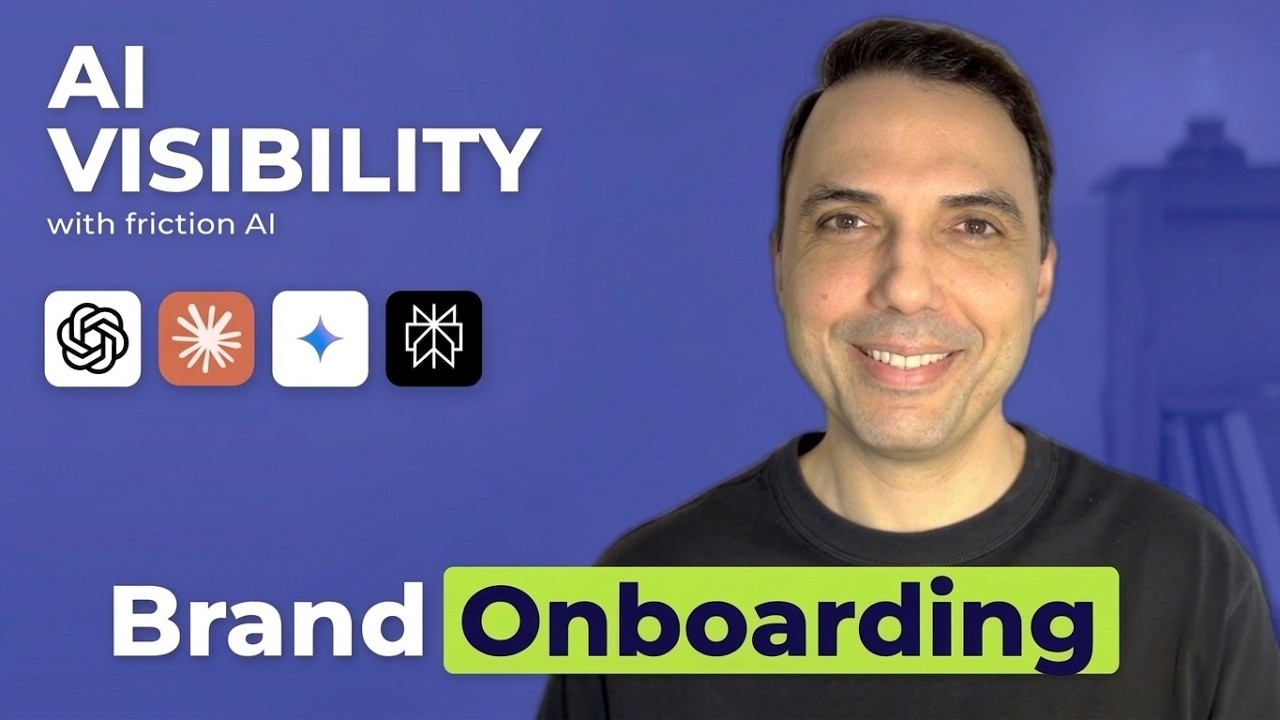
This video tutorial walks through the friction AI onboarding and dashboard, using Puma as the example brand. By the end of the 12-minute walkthrough, you'll know how to set up your own brand, run your first visibility analysis, and read the scores that matter.
Watch the Full Tutorial
Video Chapters
| Timestamp | Section |
|---|---|
| 0:00 | Intro: what friction AI does |
| 0:30 | Step 1: Add brand details |
| 1:32 | Step 2: Select your target market |
| 3:03 | Step 3: Add competitors (1-5) |
| 4:34 | Step 4: Pick visibility prompts |
| 6:05 | LLM prompts vs search queries vs commerce prompts |
| 7:35 | Commerce and purchase-intent prompts |
| 9:06 | Dashboard tour |
| 10:39 | Brand audit section: prompts and recommendations |
| 12:11 | Keywords AI uses to search for your brand |
Step 1: Add your brand details
The onboarding starts with three fields: brand name, website, and category. The example uses Puma (puma.com). Getting the domain right matters. friction AI uses the domain to verify the brand identity, find the logo, and align the analysis with the correct entity. If you have multiple domains (a .com and regional versions), pick the canonical one that represents the brand globally.
If the logo that appears isn't yours (common with short brand names that collide with others), go back and correct the domain before continuing. Catching this early saves later confusion when the visibility scores reference the wrong entity.
Step 2: Select your target market
You pick the country where you want the analysis to run. The tutorial uses the UK. This determines which regional AI responses get measured. If your brand sells globally, start with your biggest market and add others later. Running every prompt in every market is expensive and rarely changes the diagnosis.
Markets aren't just about language. The same prompt in different regions can produce different answers because AI models weight local sources, regional news coverage, and country-specific retailers differently.
Step 3: Add your competitors
Depending on plan tier, you add 1-5 competitors. These aren't decorative. The platform runs the same prompts against your brand and each competitor, then generates gap analysis showing where competitors win visibility, where you win, and which prompts are contested.
Pick competitors your buyers actually consider. A top-of-funnel competitor (big-brand awareness) and a bottom-of-funnel competitor (someone your sales team loses deals to) surface different insights. Don't pick competitors you "should" beat on brand size. Pick the ones you lose deals to.
Step 4: Pick your prompts
This is where most of the setup work happens. friction AI offers three prompt types, and they measure different things:
LLM prompts run against ChatGPT, Claude, Gemini, and Perplexity. These test how the models answer general category questions without doing live web search. Example: "What are the best sneaker brands for running?"
Search queries run against Google AI Overviews and Google AI Mode. These include live web retrieval. Example: "Puma running shoes review."
Commerce prompts are bottom-of-funnel, buying-intent queries. "Where can I buy Puma running shoes online?" is a commerce prompt. These matter because AI models increasingly handle purchase decisions directly, and being invisible here means losing sales, not just awareness.
You can pick from the recommended prompt library or write your own. Starting with recommended prompts is usually faster because they're calibrated to your category.
Step 5: Read your dashboard
Once the first analysis runs (takes a few minutes after onboarding completes), the dashboard shows four main sections:
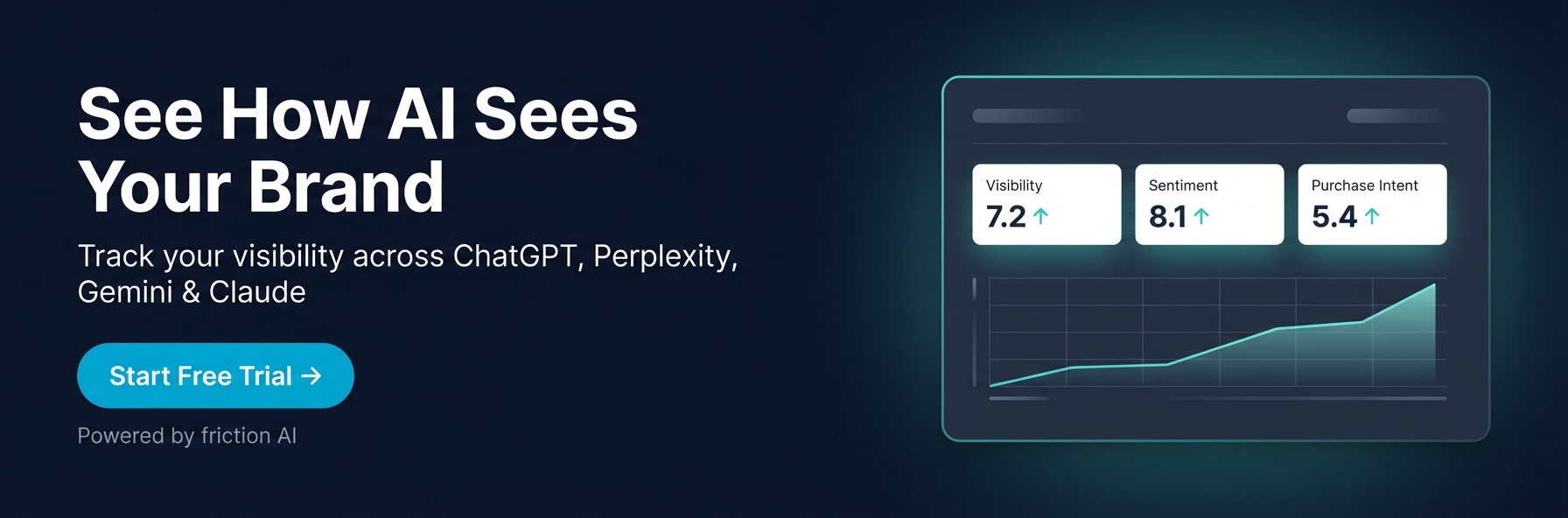
Visibility score. How often AI models mention your brand when asked relevant category questions. Expressed as a percentage across all prompts and providers. A score of 60 means your brand appeared in 60% of the responses.
Sentiment. How AI models describe your brand when they do mention it. Positive sentiment means AI uses phrases like "high quality," "trusted," "recommended." Negative sentiment means AI describes you with hedge words, complaints, or unfavorable comparisons.
Purchase intent. Whether AI models recommend your brand when someone asks a buying-stage question. A brand with high visibility but low purchase intent is known but not preferred.
Brand audit. The specific prompts where you appear, the prompts where you don't, and where competitors beat you. This is where you find actionable fixes.
Step 6: Understand keywords AI uses for your brand
The keywords section shows the search queries AI models run when researching your brand. This is non-obvious and valuable. If ChatGPT searches "Puma running shoes durability review" when a user asks about Puma, and you don't rank on Google for that exact query, you're invisible to ChatGPT on that topic.
Bridging AI visibility and SEO happens here. The keywords list tells you exactly which Google search rankings matter for your AI presence, and which ones you're currently losing.
What to expect after your first analysis
The first analysis is rarely flattering. Gartner projects a 25% decline in traditional search by 2026, which means the gap keeps widening for brands that don't act. Most brands discover:
- They're invisible on 40-70% of category prompts they assumed they'd win
- Their sentiment is neutral or mixed, not positive
- Competitors they didn't think were AI-native are beating them on purchase intent
- AI models are searching for information about them using queries they don't rank for on Google
That's not a failure signal. It's a diagnosis. The point of the audit is to replace guesswork with specific, fixable gaps. The follow-up work (content, schema, authority signals) is far easier when you know exactly where the gaps are.
Frequently Asked Questions
How long does the full onboarding take?
About 15 minutes end-to-end. Brand details and market selection take a minute. The longest step is picking prompts, especially if you customize beyond the recommended library. First analysis runs within a few minutes of completing onboarding.
Do I need technical setup or code changes?
No. Onboarding is form-based. You don't install a pixel, embed a tag, or change your site. friction AI queries AI models externally the same way a user would.
Can I change competitors or prompts after onboarding?
Yes. The dashboard lets you add, remove, or swap competitors and prompts at any time. Changes apply to future analyses, not historical ones, so you keep the history of what the old configuration showed.
How often does the analysis run?
Depending on plan tier, analyses run nightly, weekly, or on-demand. Most teams start weekly to watch trends without drowning in daily noise, then move to nightly once they have active optimization work in flight.
What if the AI models' answers seem to contradict each other?
Expected. ChatGPT and Gemini have different training data, different retrieval strategies, and different preference rankings. The point of monitoring multiple providers is to catch exactly this. friction AI's per-provider breakdown shows which model rates you high, which rates you low, and where the disagreement is.
Related Reading
- What is GEO? Generative Engine Optimization Guide
- How to Measure AI Visibility
- What is AI Visibility? Definition, Examples & Why It Matters
- How to Improve Visibility in AI Search
Tutorial runtime: 12 minutes 44 seconds. Example brand: Puma. Onboarding flow current as of April 2026. Subsequent UI changes may shift specific labels but the setup flow remains equivalent.